
CASE OVERVIEW
BSS Case Overview
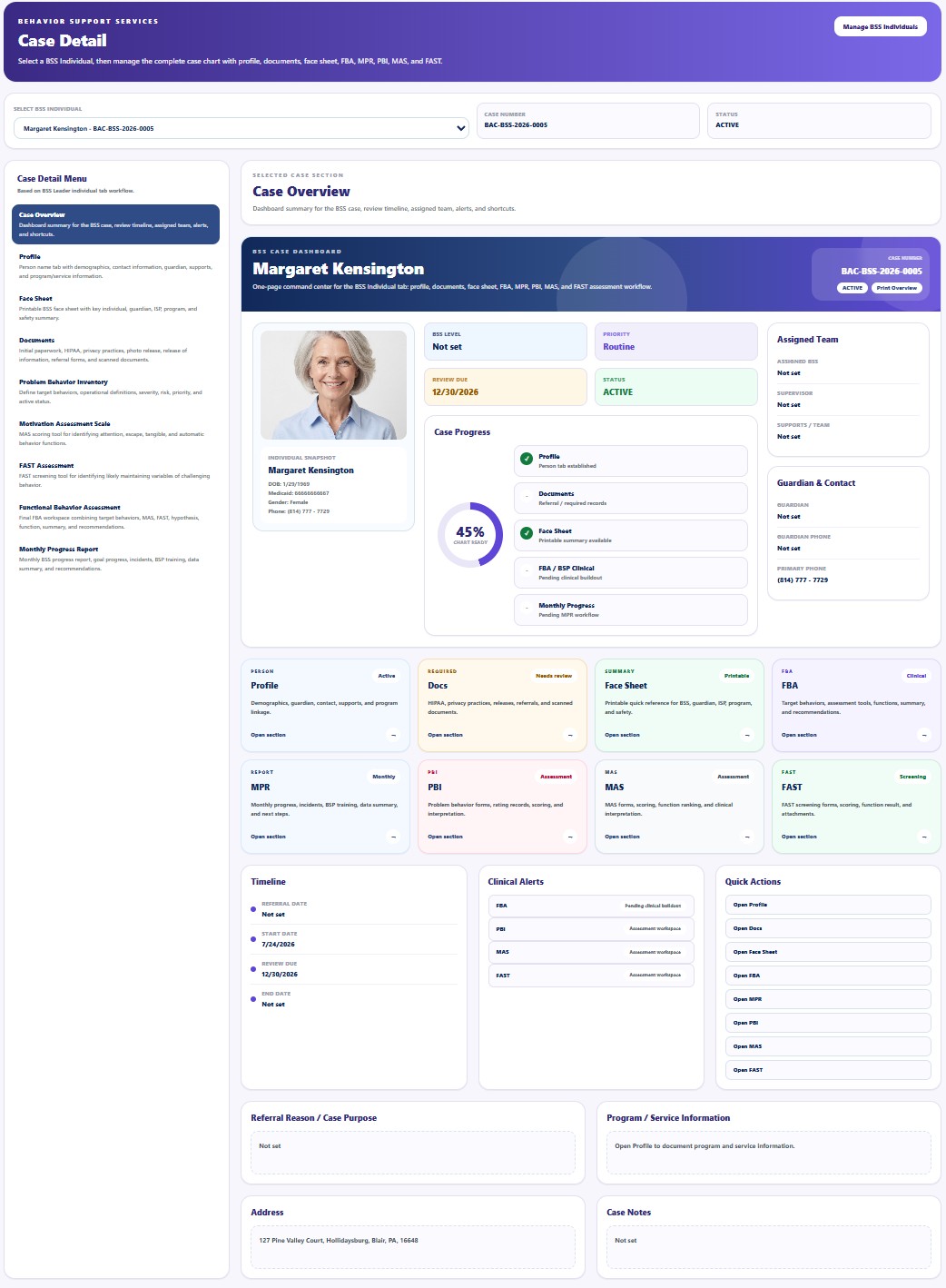
Case Overview provides a one-page command center for reviewing the selected BSS case, chart readiness, assigned team, clinical alerts, timeline, and shortcuts.
This area may contain protected behavioral, clinical, safety, family, service, or billing information. Access must follow the Provider's HIPAA policies, role-based permissions, and minimum necessary standard.
Selected clinical logic, assessment interpretation, approval criteria, safety procedures, correction paths, and implementation methods are intentionally not published in full to protect patient privacy and True Care System proprietary workflows. Official Provider customers receive direct role-specific training from the True Care System team for licensed or otherwise authorized BSS professionals, supervisors, and administrators.
Screen Overview
What This Workspace Shows
Primary Uses
Review Case Progress
Confirm which case areas are complete, pending, or require clinical action.
Open Case Areas
Use shortcuts to move to Profile, Documents, Face Sheet, assessments, and Monthly Progress.
Monitor Alerts
Review pending assessment work, missing documentation, safety concerns, and review deadlines.
Prepare for Supervision
Use the summary during case review, interdisciplinary discussion, and implementation follow-up.
Clinical interpretation, risk decisions, assessment conclusions, recommendations, approvals, signatures, and crisis-related actions must be completed only by personnel acting within their credentials, assigned role, Provider policy, and applicable law.