
SECURITY • PRIVACY • ACCOUNTABILITY
Authentication
Privacy and public-documentation notice
Security and HIPAA screens may contain workforce identity, Provider information, IP addresses, access history, support-session data, and protected health information. Screenshots in this guide use masked, redacted, or demonstration content. Unmasked content should be treated as authorized demo data only.
Purpose
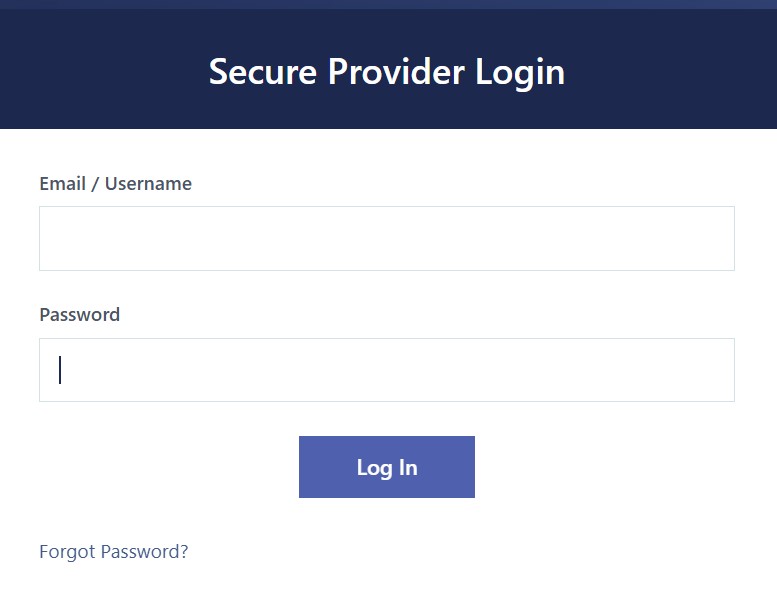
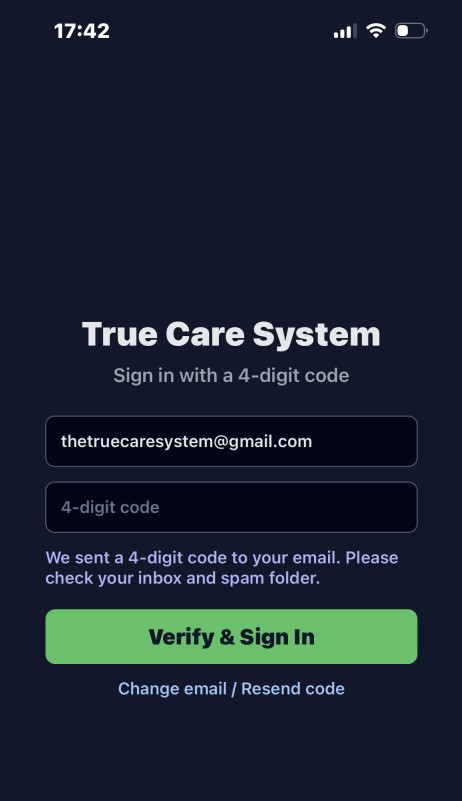
Authentication verifies the identity of a person before True Care System creates an authorized session. Web users sign in with their assigned email or username and password. Mobile users may receive a four-digit verification code delivered to the authorized email address.
Authentication Controls
| Control | Function |
|---|---|
| Individual identity | Each workforce member should use a personally assigned account rather than a shared login. |
| Credential verification | Web access validates the supplied username or email and password. |
| Mobile verification | The mobile app can verify the authorized email through a time-sensitive four-digit code workflow. |
| Account status | Disabled or locked users can be prevented from entering the application. |
| Event recording | Successful and failed authentication activity can appear in Login History with IP, device, browser, and status. |
Secure Sign-In Procedure
- Use the official True Care System web address or approved mobile application.
- Enter only the credentials assigned to the current user.
- Complete the verification step shown by the application.
- Confirm that the displayed Provider and available menus are correct.
- Report unexpected account, Provider, role, or authentication behavior.